Shortly puts your very next calendar event — with a live countdown — right on your Home Screen and Lock Screen. No app to open, no list to scroll. Just glance and go.
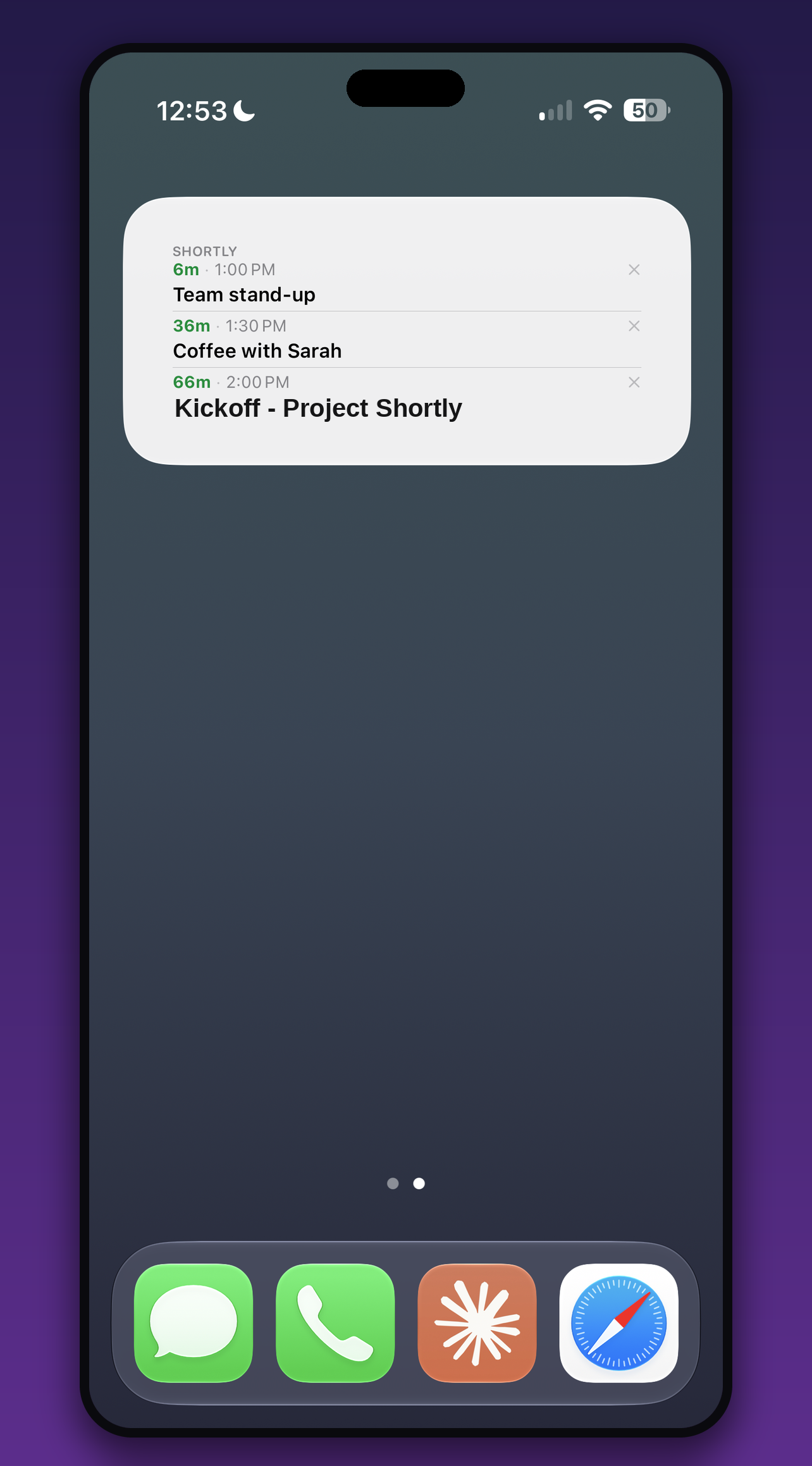
No app to open. No agenda to scroll. Your next thing is always one glance away.
Watch the time tick down in real time — "45m", "1h 20m", then a live timer in the final minutes.
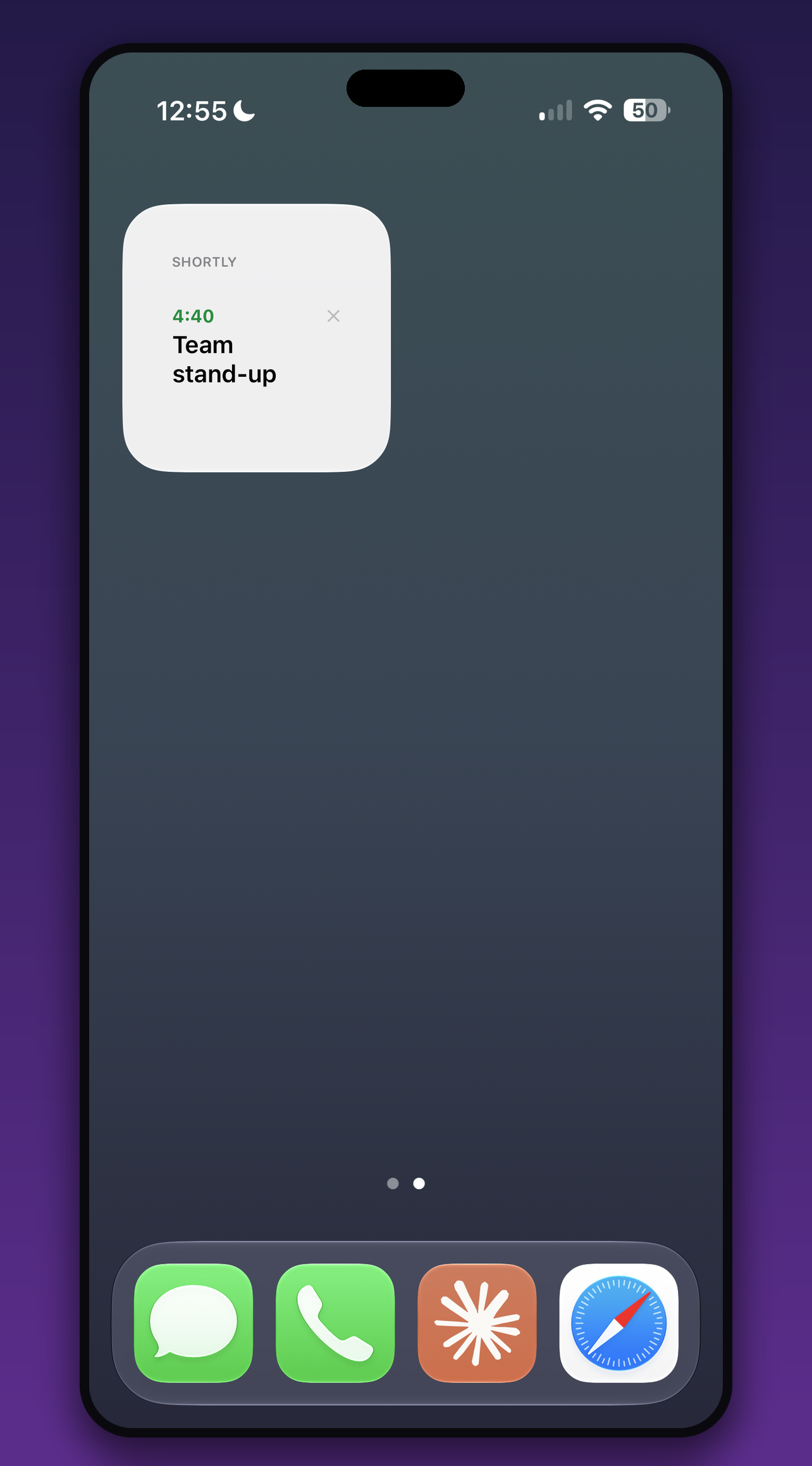
Small and Medium sizes. Choose how many events to show — 1, 2, 3, or 4 at once.
Rectangular and inline styles put your next event and its countdown right on the Lock Screen.
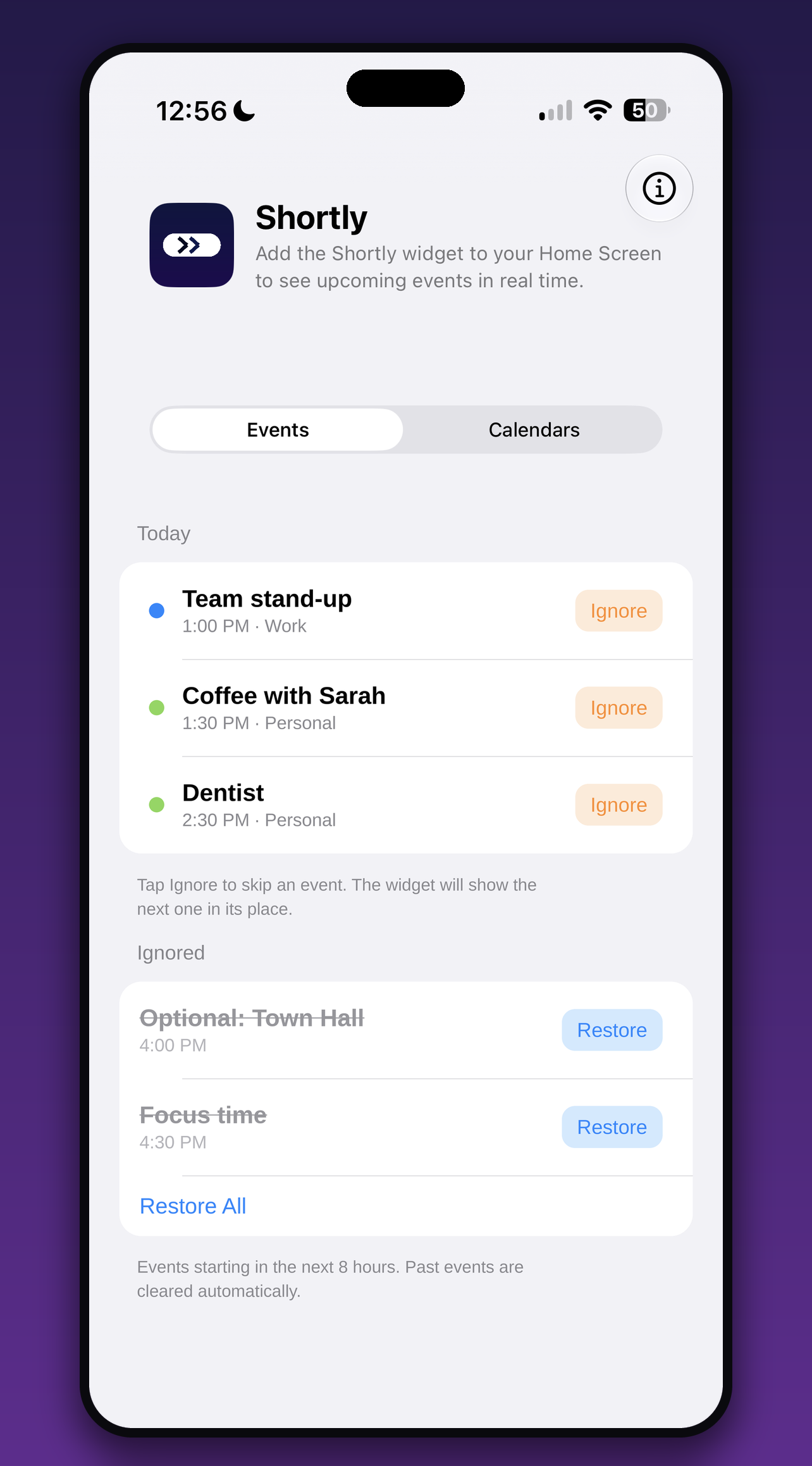
Tap the ✕ on any event to skip it — the next one slides right into place. Restore it anytime.
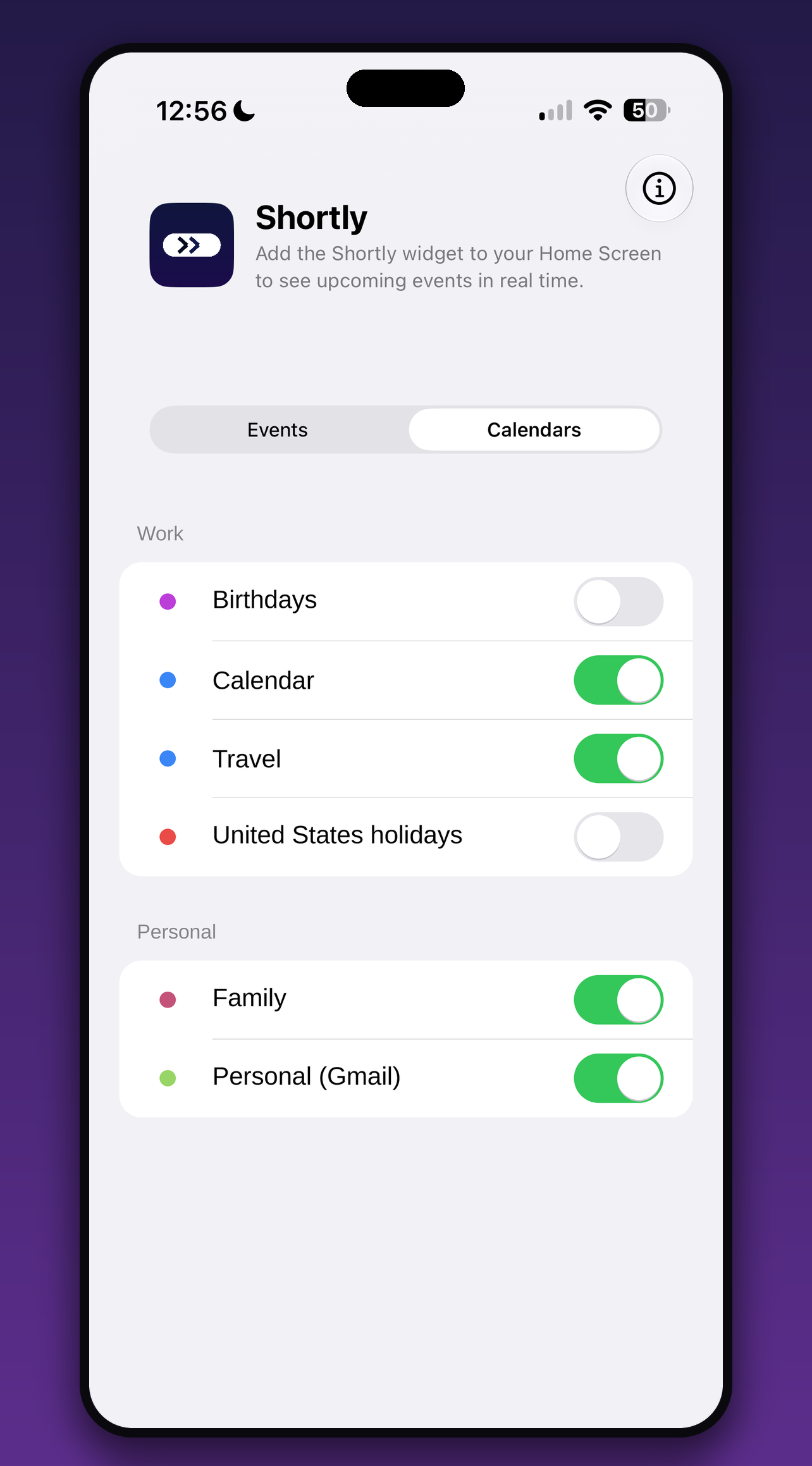
Pick exactly which calendars appear, neatly grouped by account. Show only what matters.
When your schedule is empty, Shortly says so — you know at a glance there's nothing next.
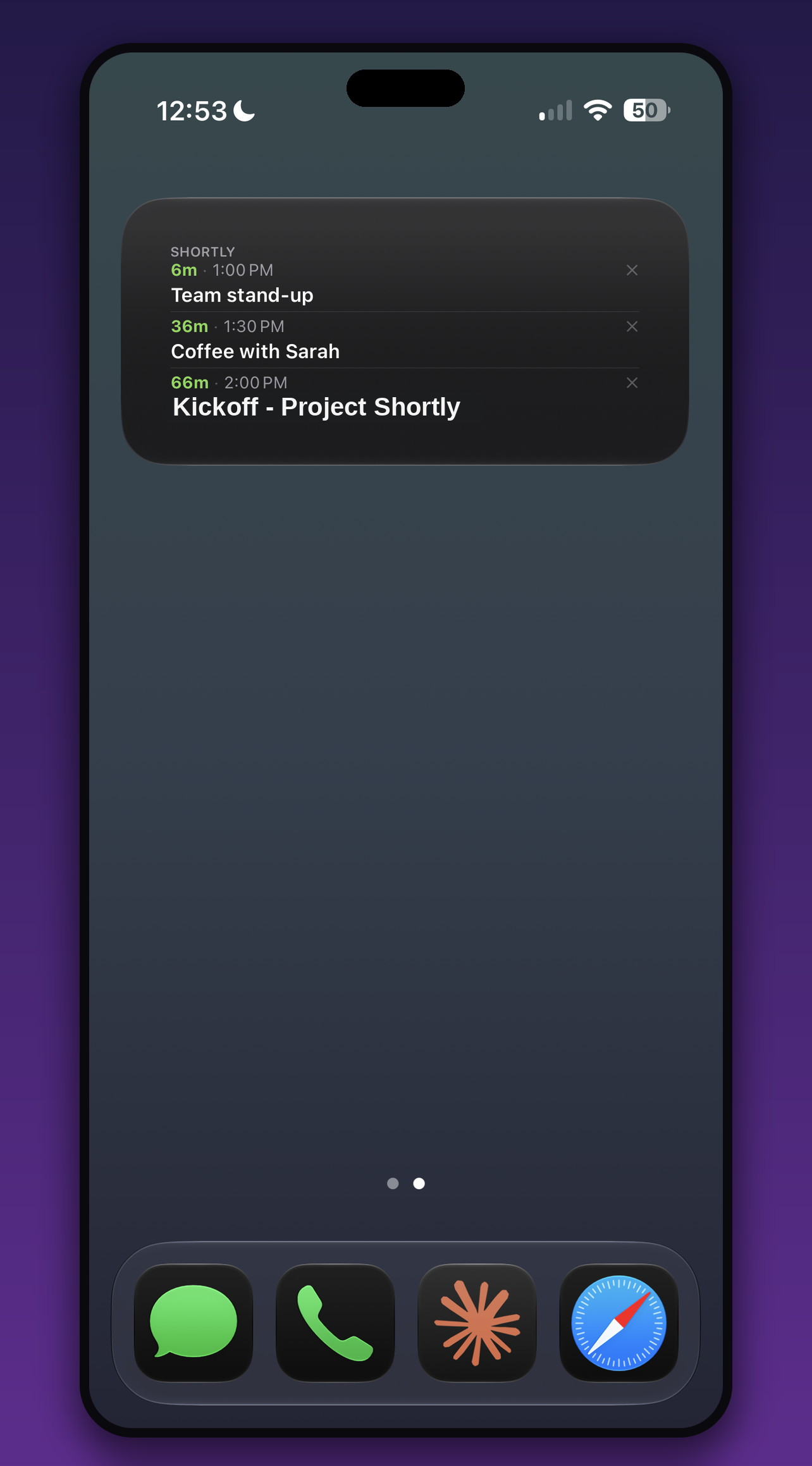
The Medium widget lists your next events with a countdown and start time for each — and a color dot matching its calendar. Skip one and the next slides right in.
Every event shows how long until it starts and ticks down in real time, so you always know how much time you've got before you need to move.
Prefer a lighter touch? The Small widget shows just your very next event and its start time — tidy enough to tuck anywhere on your Home Screen.
Turn calendars on or off, grouped neatly by account, so the widget shows only the events you actually care about — work, personal, or both.
Ignore events you'd rather not see — right from the widget or the app — and the next one takes its place. Changed your mind? Restore it in a tap.
Long-press your Home or Lock Screen, tap add, and choose Shortly in the size you like.
Choose which calendars appear and how many events to show. That's the whole setup.
Your next event — and its countdown — is always right there. No opening the app.
Shortly reads your calendar entirely on your iPhone. Nothing is uploaded, shared, or transmitted — ever.
Your calendar is read on your device and stays there. No account, no login, no network connection required.
No analytics, no advertising identifiers, no third-party tracking of any kind. Nothing is sold or shared.
Nothing to sign up for and nothing to sync. Add the widget and start using it right away.
Shortly is made by TurnCards LLC. Read the full privacy policy for the details.
Add the Shortly widget once and never wonder what's next again.
Download on the App Store Shortly